
Back to Projects

QRveraAvailable for Android

See what's behind it.

A free, ad-free QR code scanner for Android. See what a code contains before deciding whether to open a link. No sign-up required.

Interactive demonstration

From a code to an informed decision.

Explore a guided example of on-device analysis. No camera, external connections or links are opened.

Interactive exampleFictional scenario · on-device analysis

Step 01

Scan

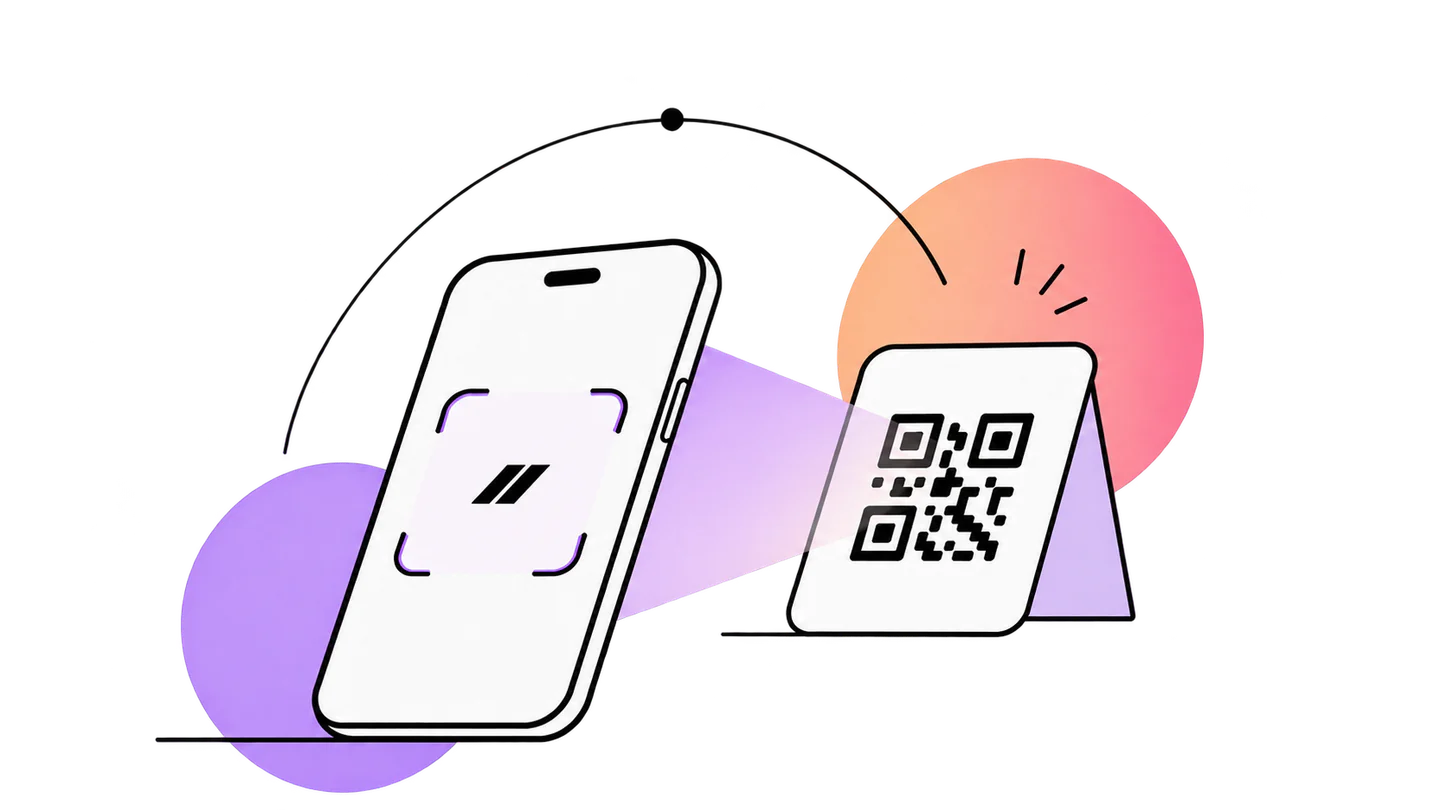
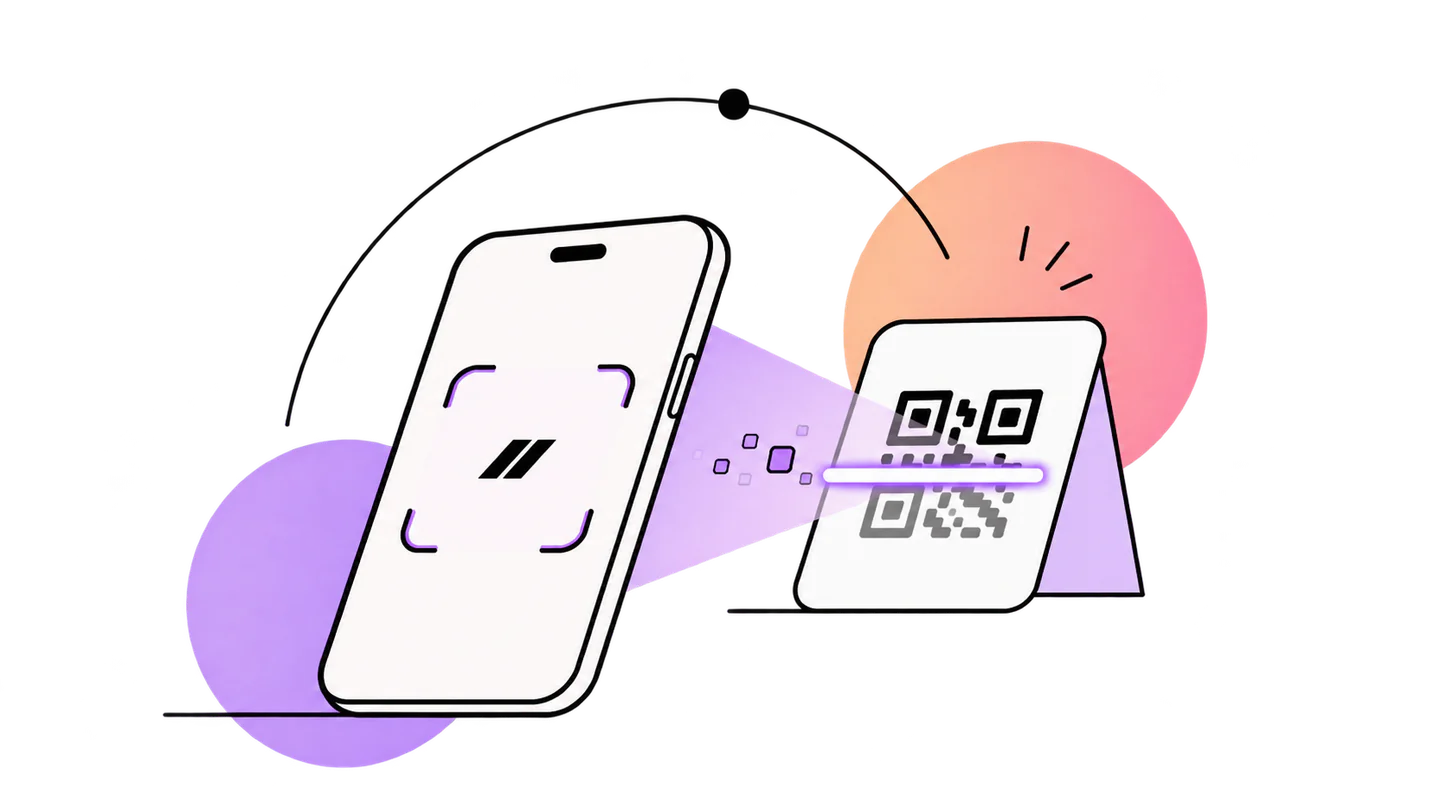
QRvera reads the code on your device and shows its contents before you continue.

Content read from the QR codehttps://example.com/documento.pdf

Scene 1 / 3: Scan

JavaScript is disabled: the full journey is shown as static content and its actions are unavailable.

Simulated action

Before opening

You have reviewed the example address at example.com. The PDF format was inferred from the extension, and the actual content has not been verified.

This action is a simulation: the website will not open the destination. In the real app, the decision to open it remains yours.

Much more than reading a code.

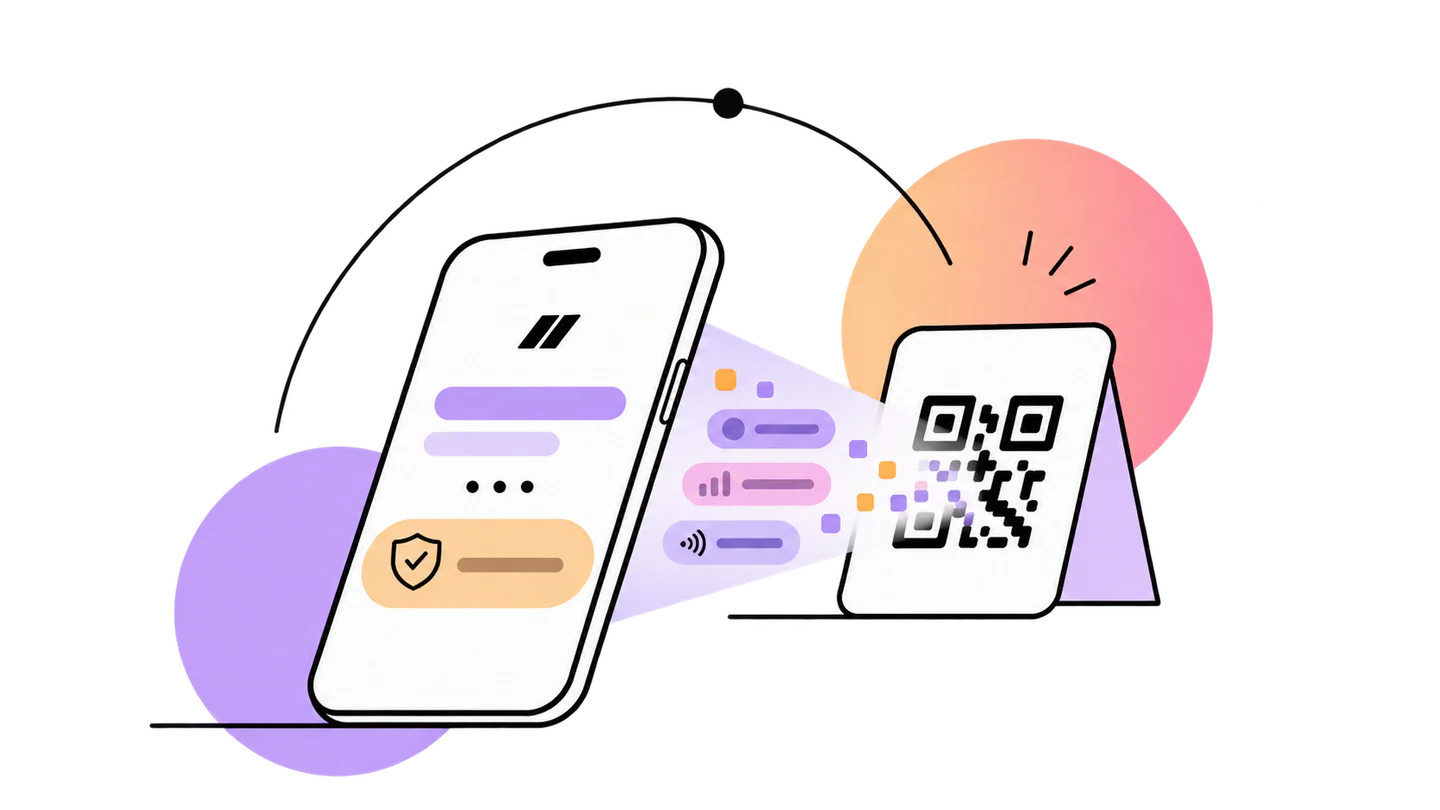
QRvera recognises different kinds of content, examines web addresses and presents information that helps you decide what to do.

01 Recognise

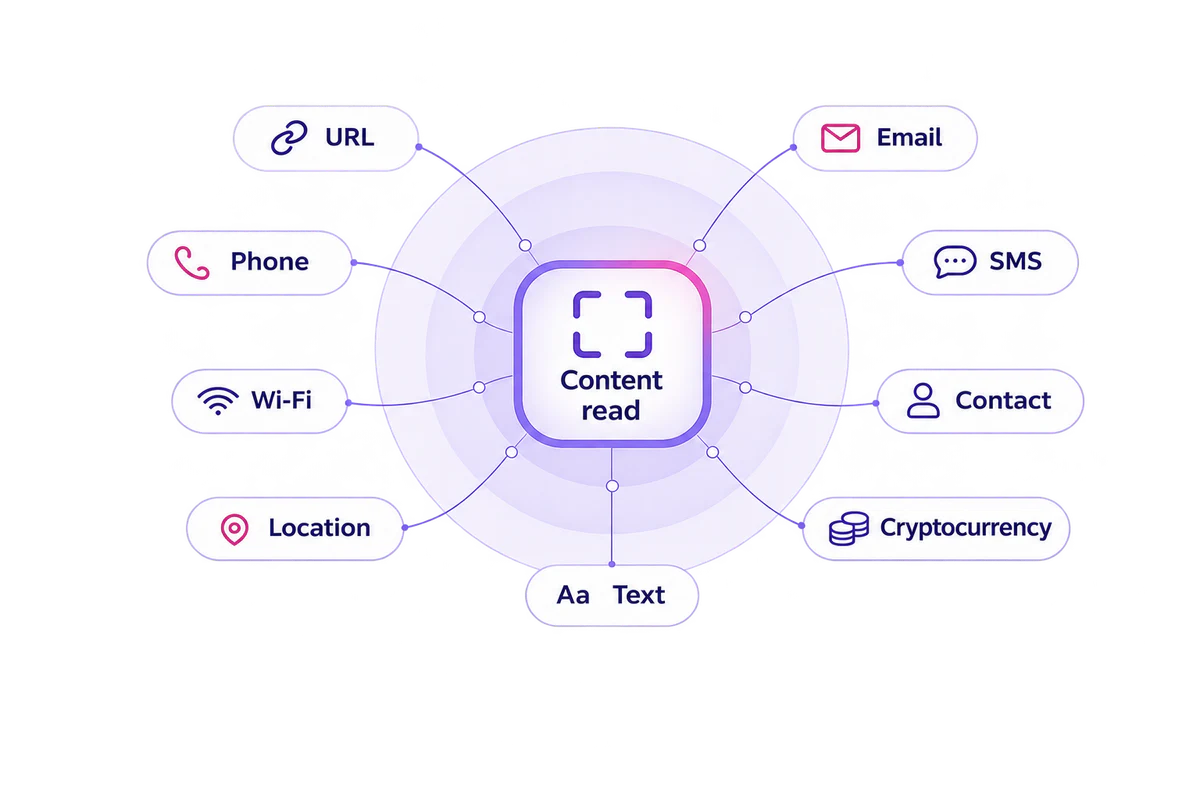
Not every QR code contains a link.

QRvera can identify web addresses, email addresses, phone numbers, SMS messages, Wi-Fi networks, contacts, locations, cryptocurrency addresses and text.

Recognising the content does not automatically place a call, make a payment, connect to a network or send a message.
02 Identify

A link can lead to much more than a web page.

QRvera can identify whether an address appears to point to a document, image, video, compressed file or installer, among other formats.

It combines information from the address with additional destination data when optional inspection is enabled.

Identification may be an inference; QRvera does not download or analyse the contents of files.

03 Review

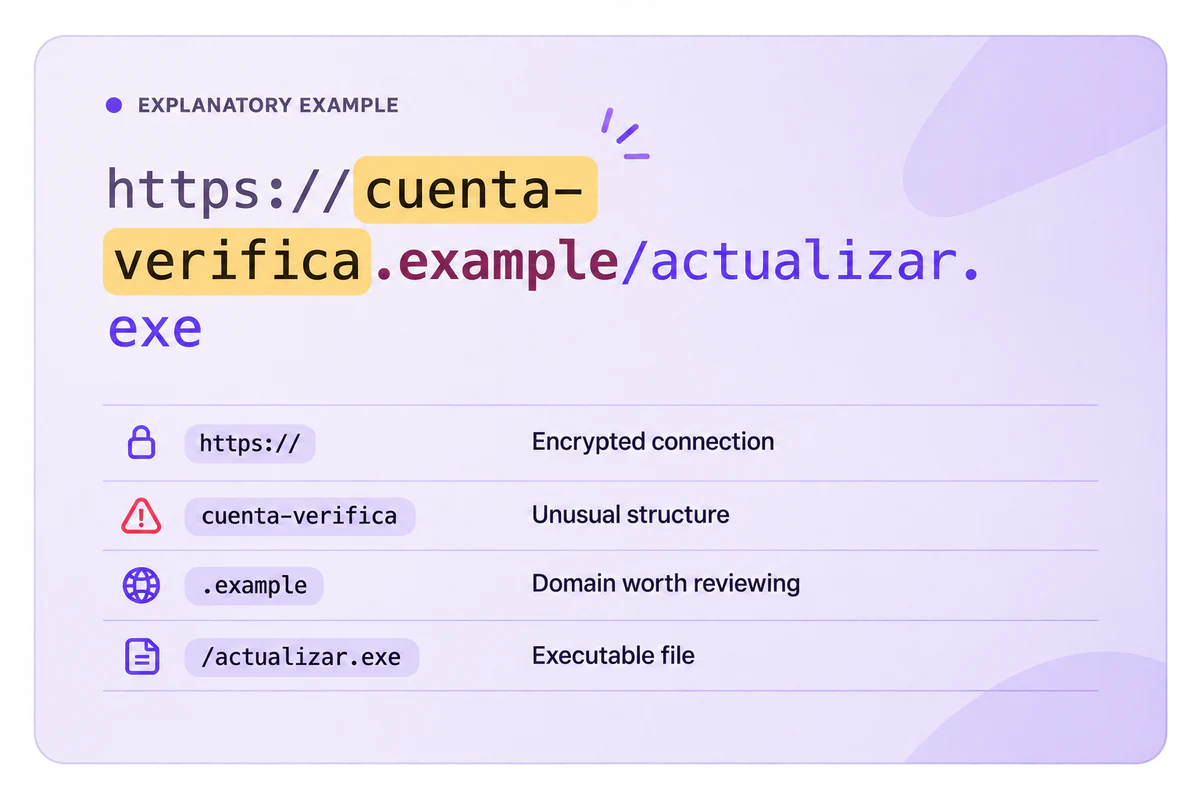
Some details deserve a second look.

QRvera examines characteristics of web addresses that may call for review: shortened links, connections without HTTPS, unusual structures, possible impersonation and executable files.

A signal is a reason to review; by itself, it does not prove the presence of phishing or malware.

Privacy and control

You do not have to open a link to start understanding it.

QRvera can perform on-device checks on a code’s contents. If you want additional destination information, you can allow that connection or continue without it.

01

On your device

On-device analysis

The content is examined without contacting the destination.

02

Only with permission

Optional check

QRvera can request basic information from the destination.

What changes when you check

Contacting a destination may disclose connection information to its server. QRvera does not currently make automatic queries to external reputation providers.

Scope of the analysis

Help with deciding, not a guarantee.

QRvera helps you understand a code’s contents and identify signs worth reviewing. It cannot guarantee that a link is safe or detect every threat.

Product status

Available

QRvera for Android.

QRvera is available for free on Google Play. Review the contents of a QR code and possible risk signals before deciding whether to open a link, with no ads or sign-up.

Android

Download it on Google Play.

Download on Google Play